
Photo in, signed quote out
Car Wrap Visualizer
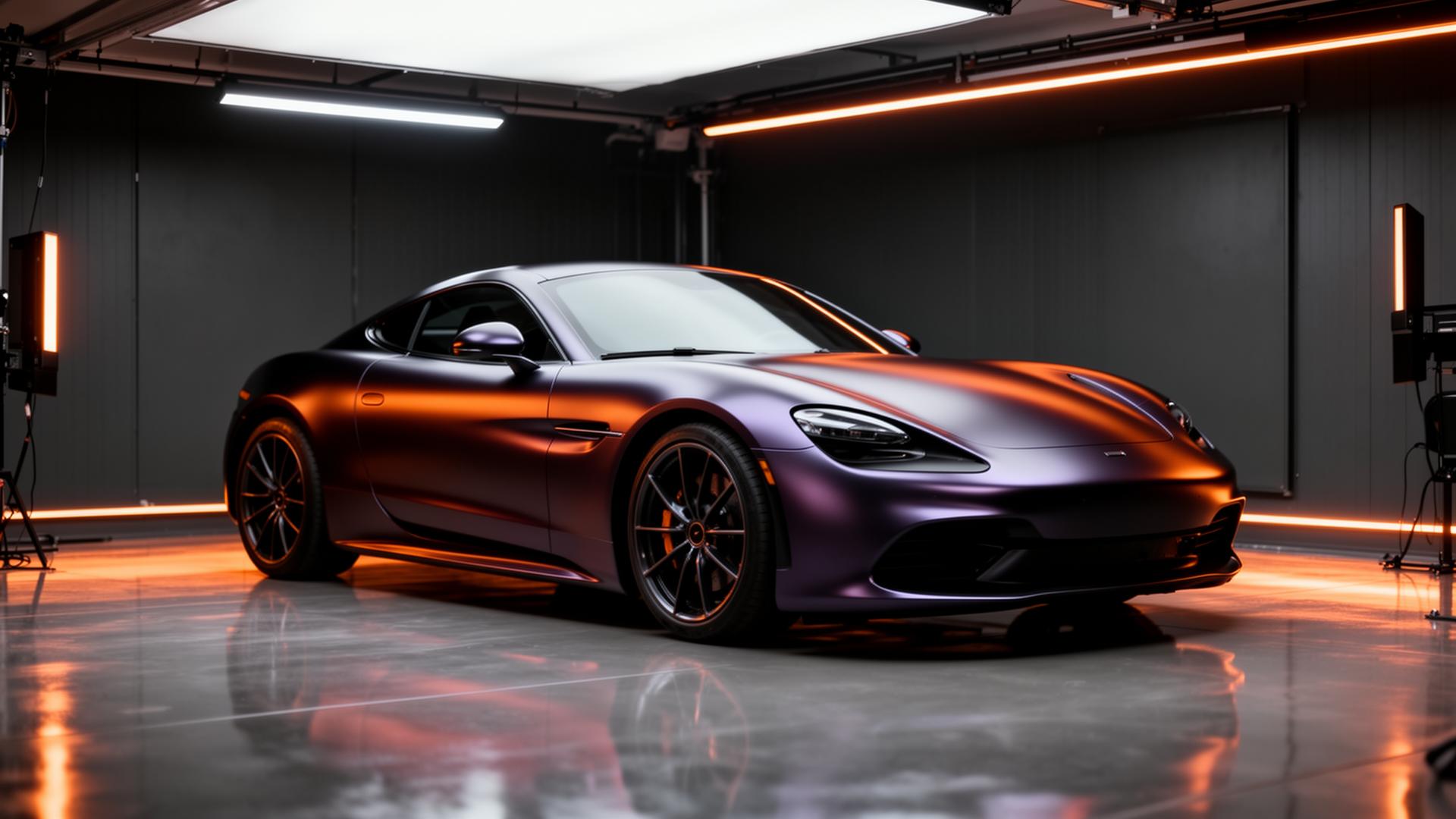
A car wrap visualizer renders real vinyl wrap, PPF and tint films onto a photograph of a specific vehicle. Upload a photo, pick a film from 1,000+ products across 27 manufacturer lines, and see the finished wrap before a single foot of vinyl is cut - then price the job from the same screen.
JPG · PNG · WEBP · HEIC - up to 20 MB.
- Real film SKUs
- 1,000+
- Real film SKUs
- Film brands
- 27
- Film brands
- Vehicle types
- 7
- Vehicle types
⇆
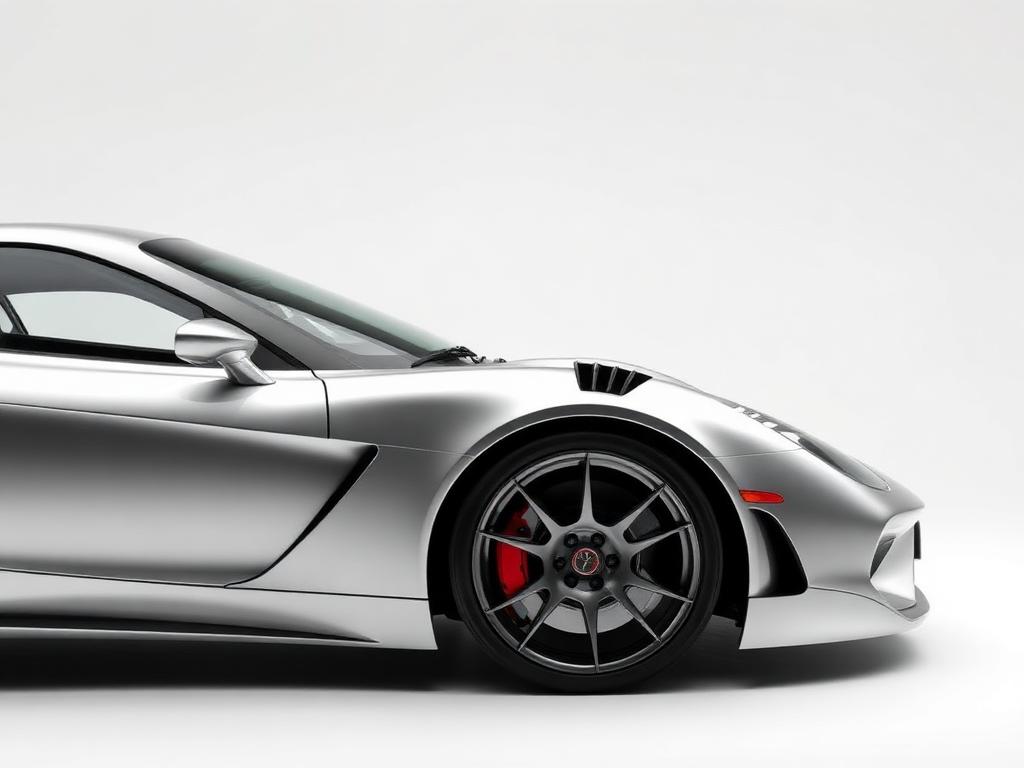
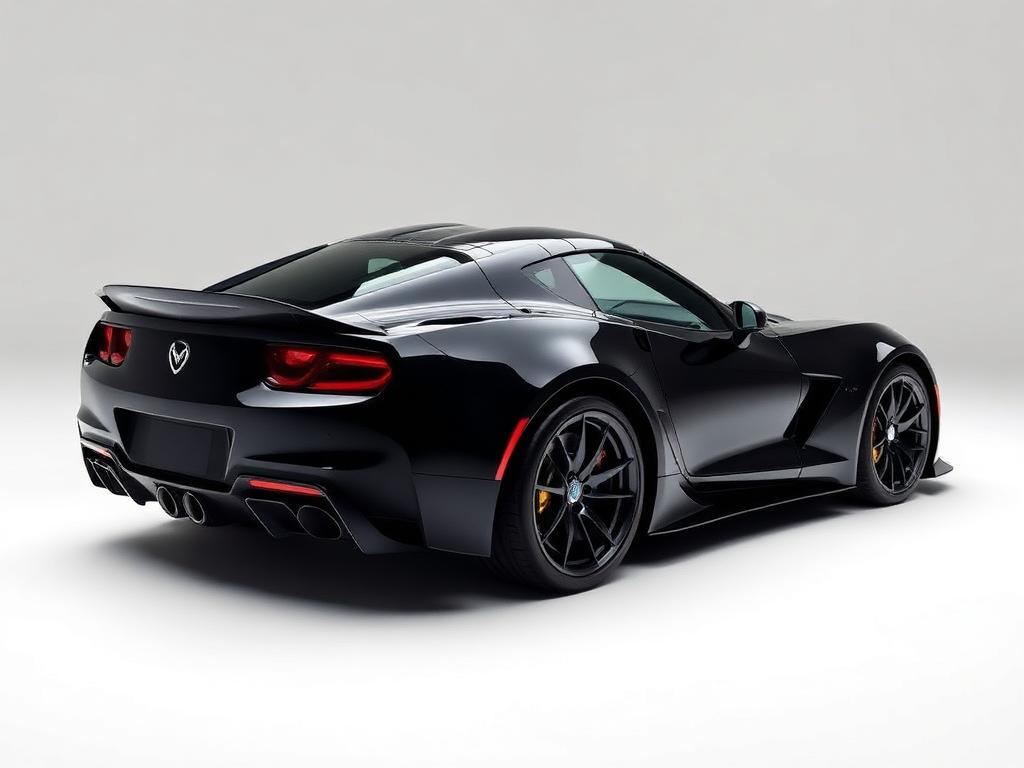
Drag to compare - rendered from one photo
Your carWho it's for
Built for the people who quote the job
Four groups use this differently. Each has its own workflow, its own proof and its own plan.
Wrap & PPF shops
Close the consult in one sitting instead of quoting on a notepad and waiting on a callback.
Dealerships & detailers
Sell accessory colour changes at the desk with a preview on the customer's own vehicle.
Fleet managers
Preview brand liveries across mixed body types and get footage per unit before procurement.
Owners & enthusiasts
See what a real film looks like on your car before spending $3,000 on a guess.
Every colour tied to a real product line
3M 2080Avery SW900XPELKPMF K75400Hexis SkintacTeckWrapInozetekSunTek
How it works
How the Car Wrap Visualizer Works
Photo to priced quote in one sitting - three steps, no design software, no 3D model to match.
Choose film & finish
Choose from 1,000+ vinyl, PPF, tint and carbon colours - searchable by brand, SKU or finish.
Drop a photo of the vehicle
Upload a clean side or quarter shot of the actual vehicle. Phone photos work.
Preview & price in seconds
Get a photoreal preview with tint, chrome delete and decals - then turn it into a priced quote.
Before & after
Full Wraps, Chrome Delete, Wheel Colour and Window Tint
Each service rendered on a real vehicle. Pick one and drag the slider to compare.
⇆
A complete colour change in premium cast vinyl, rendered on the customer's own vehicle.
Colour library
1,000+ Vinyl Wrap Colours from 3M, Avery Dennison, XPEL & More
Search by name, SKU, hex or brand. Every swatch is a real product line with published colour data - not a generic colour chip.
- SatinSatin Black3M 2080 · #18191c
- MatteMatte Black3M 2080 · #15161a
- Super Gloss3M 2080 High Gloss Ruby Rosso3M 2080 · #624e7a
- Super GlossSuper Gloss Riviera BlueInozetek · #1a4a8a
- GlossSuper Gloss True Nardo GreyTeckWrap · #686a6c
- ChromeMirror Chrome Rose GoldTeckWrap · #b76e79
- Metallic MatteMatte Iced British Racing GreenKPMF K75400 · #1f3b2b
- Metallic GlossGloss Midnight PurpleKPMF K88550 · #2a1947
- SatinSatin Frozen Vanilla3M 2080 · #e7d9b8
- Satin MetallicSatin Metallic Pearl WhiteAvery SW900 · #dedcd5
- GlossSuper Gloss Racing RedTeckWrap · #b9001e
- GlossGloss Hot Rod Red3M 2080 · #a4202c
The library keeps growing
1,000+ films today - and you can add more on demand
1,000+ is where the catalog stands right now, not where it stops. Working with a film we don't carry yet? Request the brand, colour or finish from your dashboard and we add it - it lands in your library, and in everyone else's. Paid plans go to the front of the queue.
- Any brand, on requestName the manufacturer and product line - we source the SKUs and colour data.
- Custom finish studioBuild a film from any hex value, or import one straight from a product link.
- Saved to your workspaceAdded films appear in your dashboard and across your team's seats.
By body type
Wrap Guides by Vehicle Type
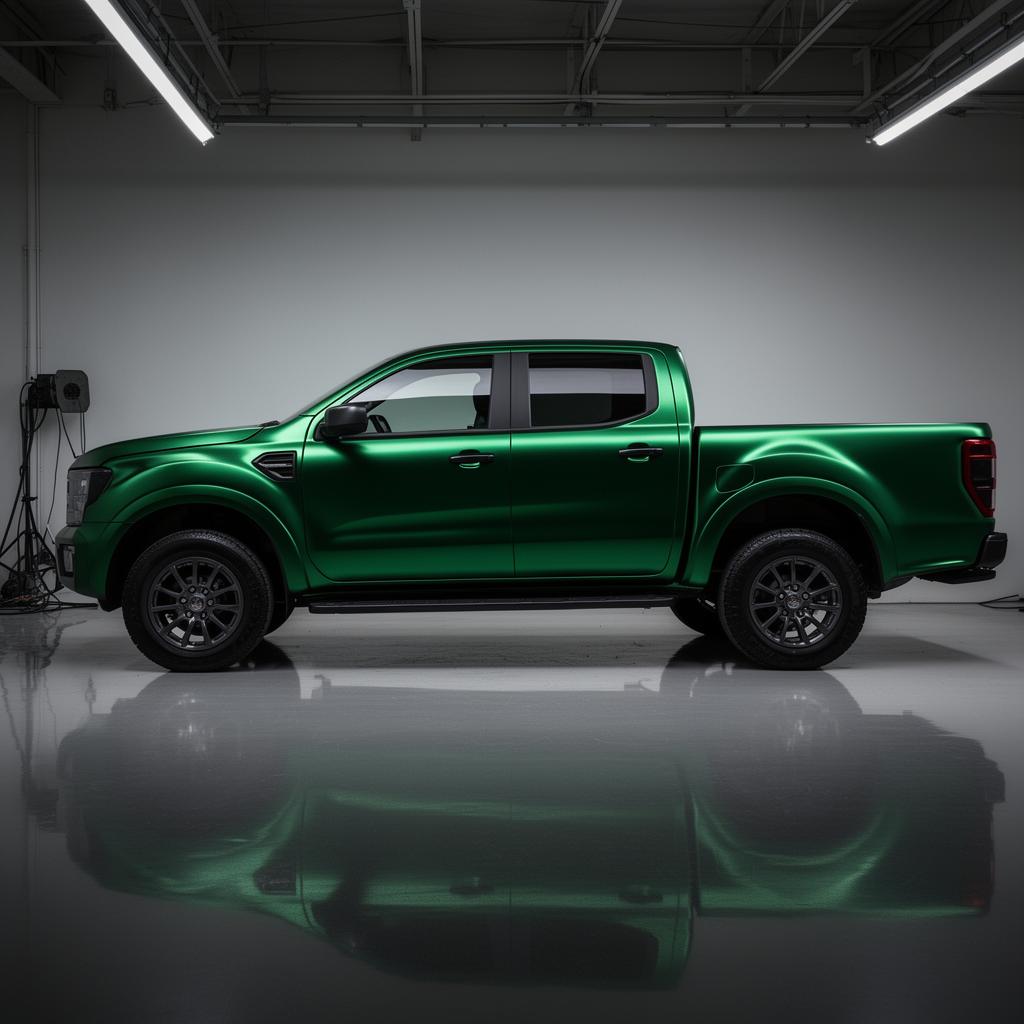
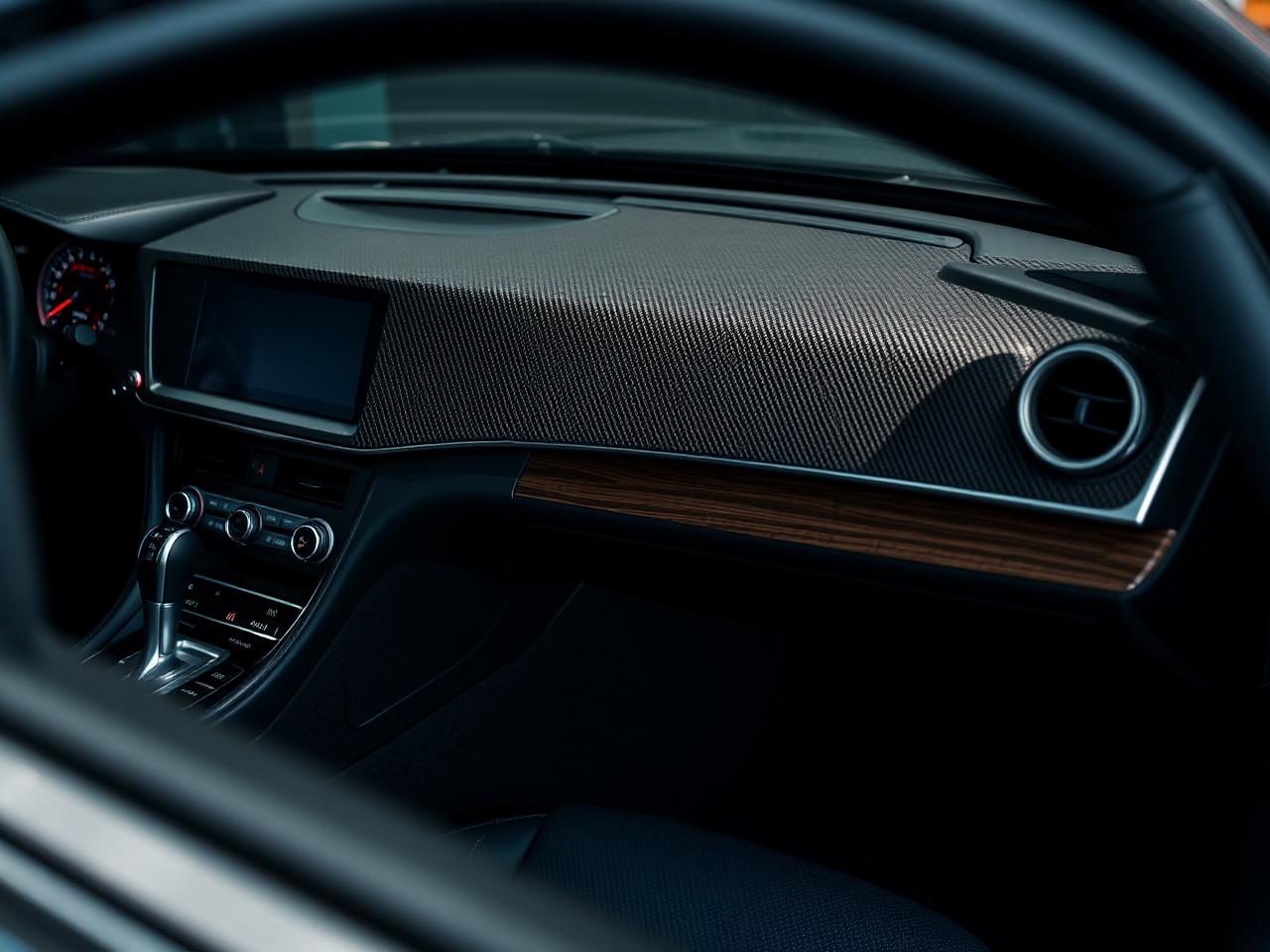
Filter real wrapped builds by body type. Each card opens an installer guide with film footage, panel maps and finish tips.
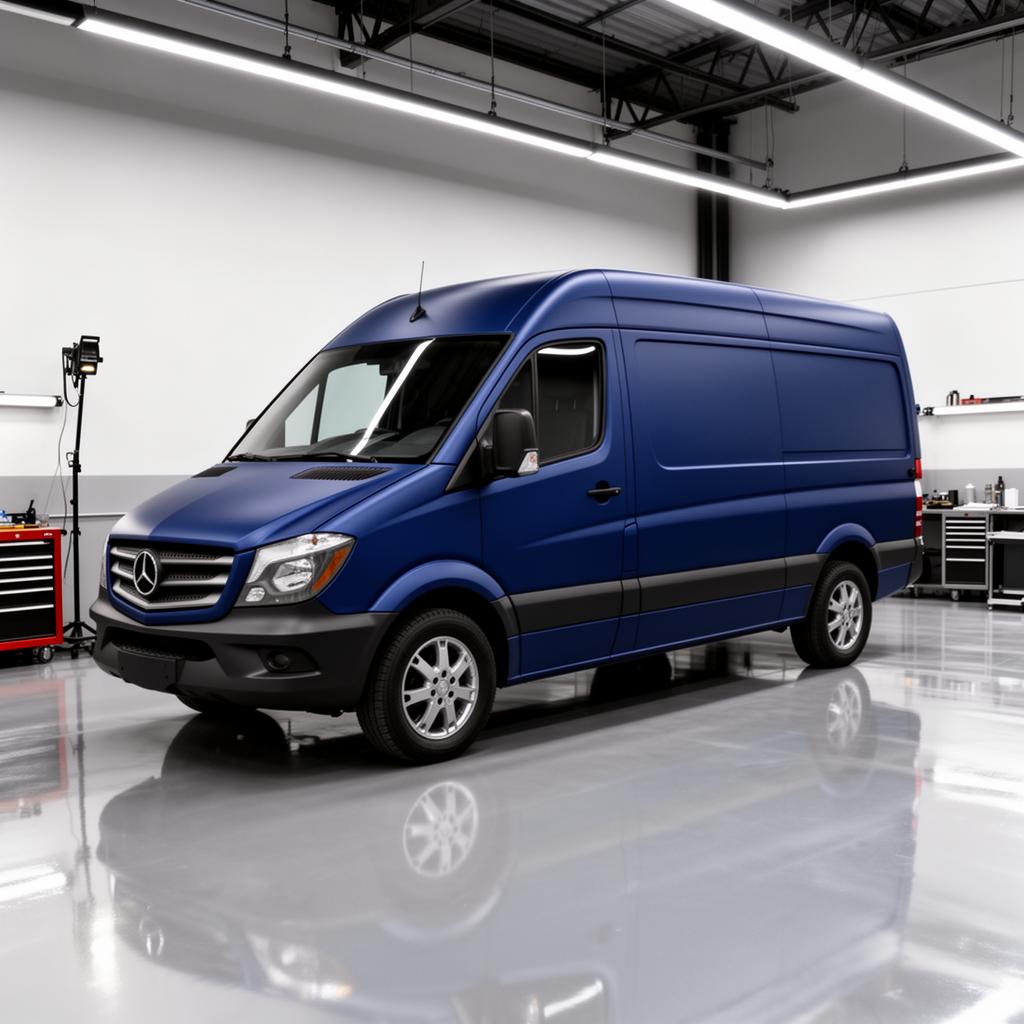
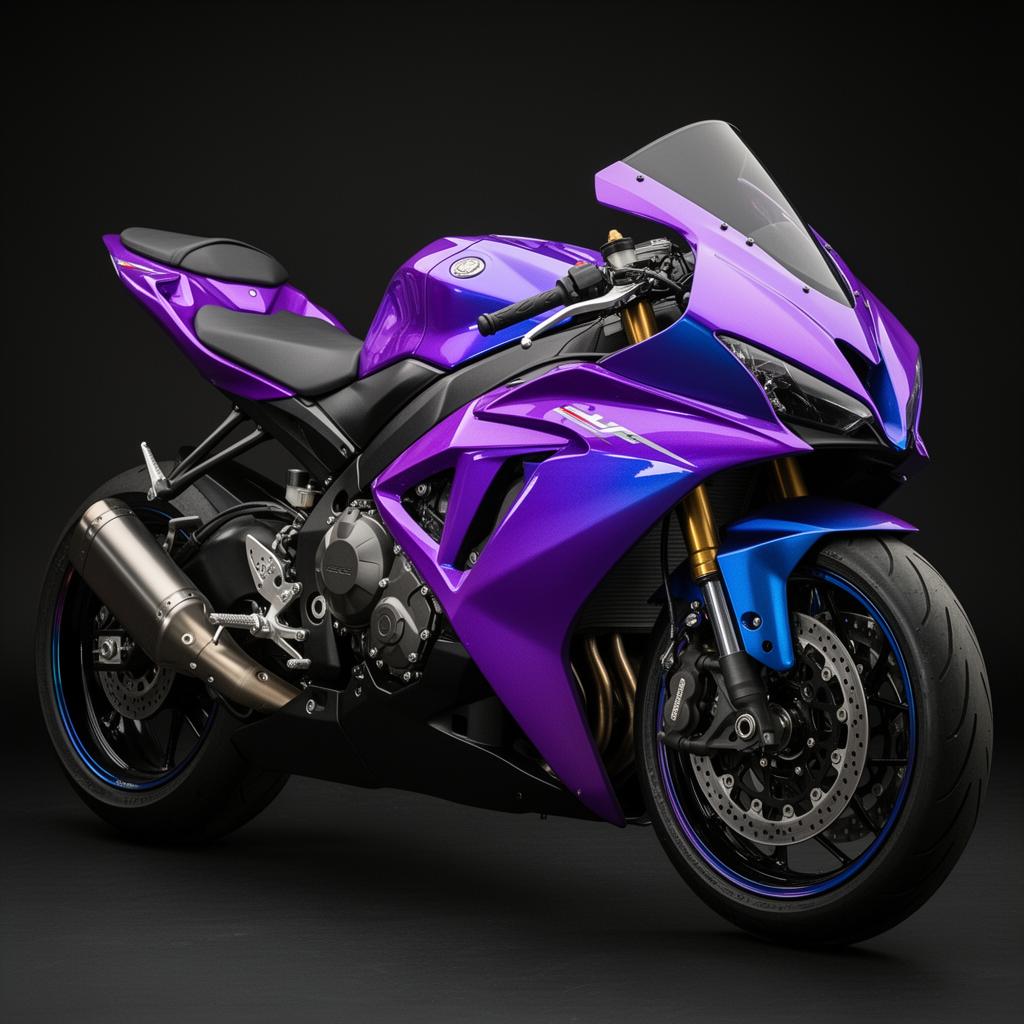
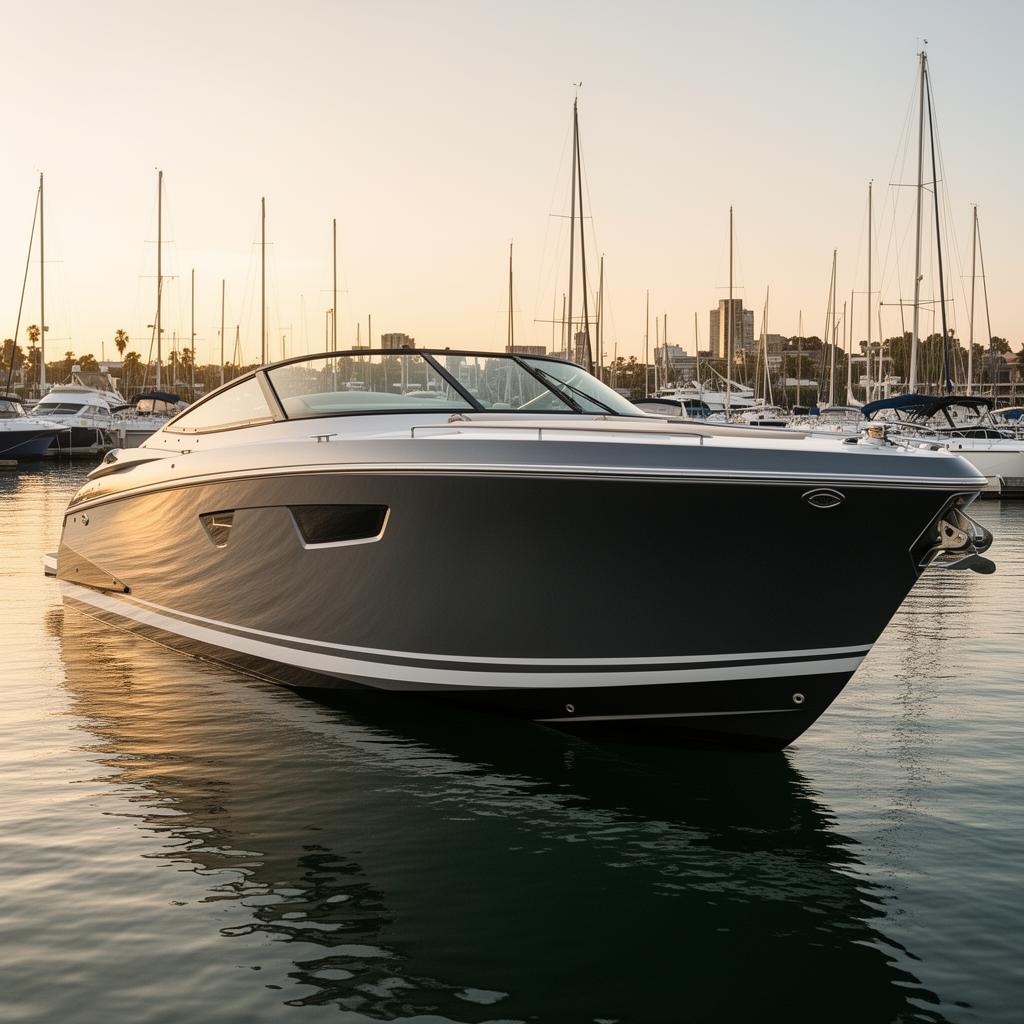
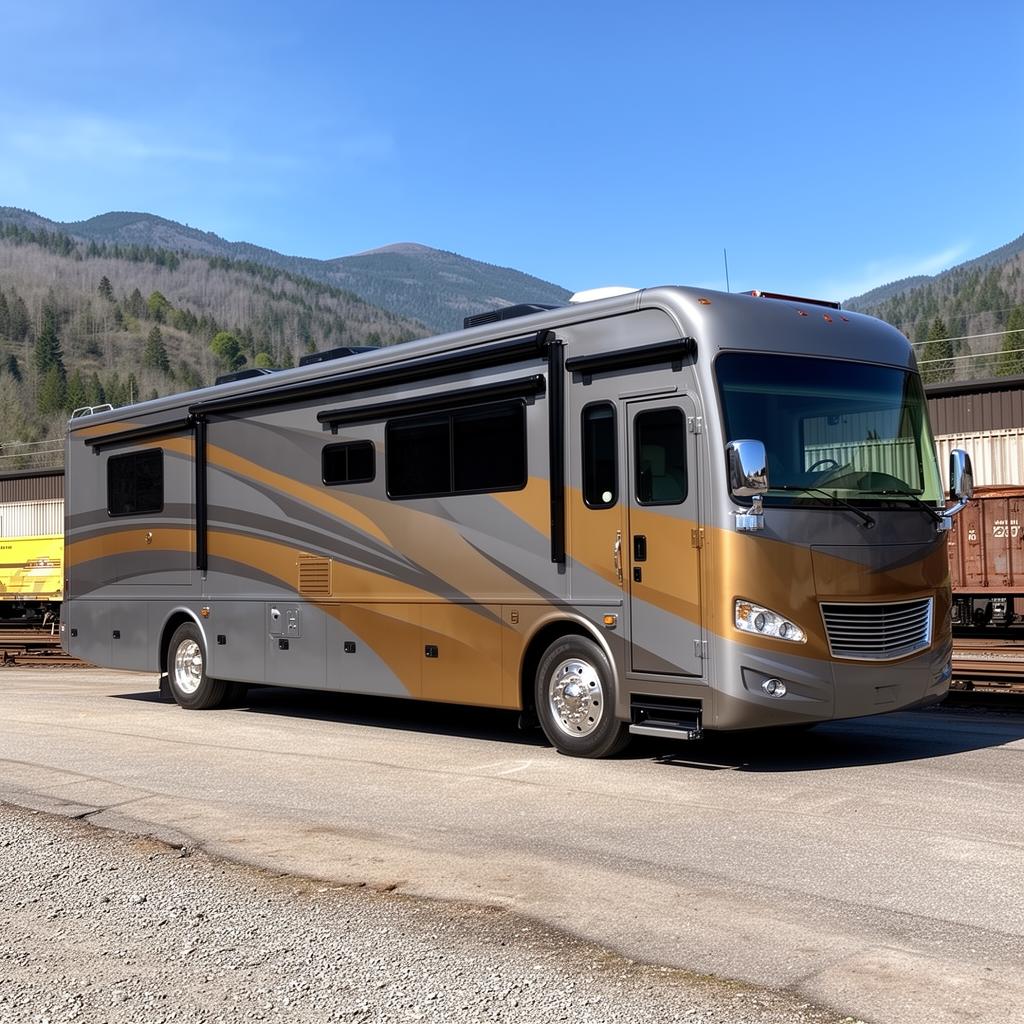
The consult-to-cash loop
Turn a Wrap Preview Into a Signed Quote
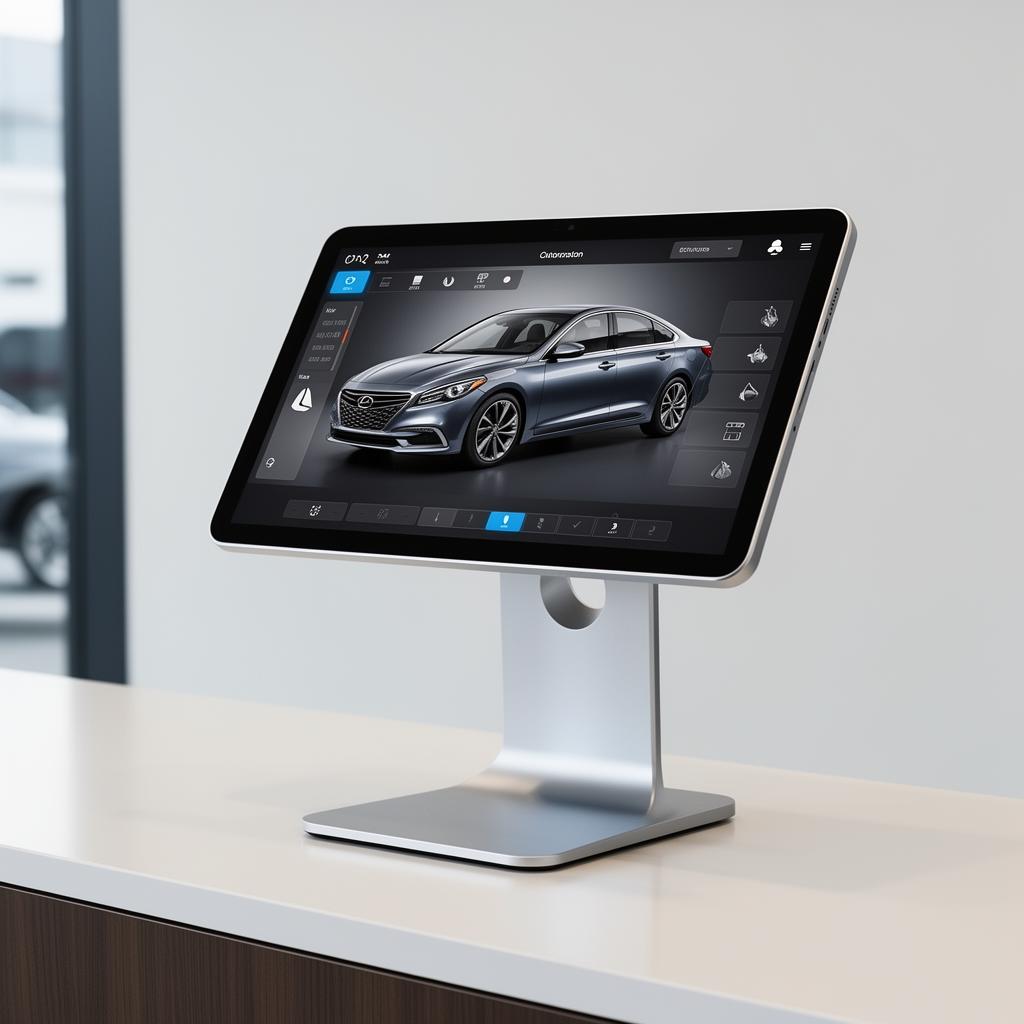
Most quotes get written twice - once on a notepad at the counter, again in a generic invoice app that knows nothing about panels or film. The estimator's panel maths pushes straight into a branded quote instead: film SKUs, panel-by-panel pricing and measured vehicle dimensions already filled in, before the customer leaves.
- Prefilled from the estimator's panel maths
- Interactive vehicle diagrams, priced per panel
- Your terms - tax rate, deposit %, custom notes
- Your branding on every render and PDF
- Export print-ready PDF or share a web link
- Quote → invoice without re-entering anything
Vinyl wrap basics
Cost, Lifespan and Coverage of a Vinyl Wrap
The six things people weigh before committing to a wrap - answered directly, then linked to the page that goes deeper.
What a vinyl wrap costs
A full colour change on a sedan typically runs $2,000-$4,500 installed. Finish drives most of the variance: gloss and satin cast vinyl sit around $12-15 per square foot, metallic and carbon $16-20, chrome and colour-shift $22-28.
Estimate a wrapHow long a wrap lasts
Quality cast film lasts 5-7 years on a garaged vehicle, against 10+ years for factory paint. Sun exposure is the deciding factor - a car parked outdoors daily sits at the low end of that range.
Compare paint vs wrapWhether it damages paint
No - the opposite. Film shields the OEM finish from chips and UV, and properly installed cast vinyl removes cleanly with heat. Removing a wrap usually reveals better-preserved paint than the panels around it.
Read the comparisonHow much film a vehicle needs
A sedan full wrap uses roughly 55-65 linear feet of 60-inch film. A crew-cab pickup takes 60-75, a mid-roof cargo van 75-130, and a Class C motorhome 120-260. Panel area drives it, not vehicle length.
See footage by vehicleWhich finishes are hardest to install
Chrome and colour-shift films are the least forgiving - they show every stretch mark and cost the most per square foot. Matte and satin hide minor body imperfection, which is why work trucks lean that way.
Browse finishesWhere tint law limits apply
Front side window limits range from 24% to 70% VLT depending on the state, and 5% limo tint is rear-glass-only almost everywhere. Check your state before the film goes on, not after.
Check tint limitsDefinitions
The Six Terms That Decide a Wrap Job
Specification language, defined plainly. These are the terms that separate a quote you can defend from a number you guessed.
- ΔE (Delta E)
- A single number for how far apart two colours are. Below 1 the difference is invisible to most people; 1-2 is visible only side by side; above 3.5 reads as a different colour. Matches here use CIEDE2000.
- Cast vs calendered vinyl
- Cast film is poured and cures dimensionally stable, so it conforms to curves and lasts 5-7 years. Calendered film is rolled under pressure, costs less, and shrinks back on complex panels. Full colour changes use cast.
- PPF
- Paint protection film - a clear or coloured thermoplastic polyurethane layer that absorbs stone chips and self-heals light scratches with heat. Thicker and more expensive per square foot than vinyl wrap.
- VLT
- Visible light transmission, the percentage of light a window tint lets through. 70% is barely tinted, 35% is a common front-side legal limit, 5% is limo. State law caps this per window.
- Conformability
- How far a film stretches into recesses and around compound curves without lifting or losing colour. Chrome and colour-shift films are the least forgiving; matte and satin the most.
- Gloss units
- Measured reflectance at a 60° angle. Gloss films sit above 80 GU, satin around 30-50, matte below 10. It is what makes 'satin' a specification rather than an opinion.
How it compares
Wrap Visualizer vs Configurators, Manufacturer Tools and AI Editors
Four other approaches exist and each is better than this one at something. Here is the honest split.
| Approach | Renders the customer's own vehicle photo | Cross-brand SKU library | OEM paint match by ΔE | Film footage & labor estimate | Branded client quote & invoice | Runs in any browser, no install | 360° rotation around the vehicle |
|---|---|---|---|---|---|---|---|
| Wrap VisualizerPhoto-based, cross-brand, priced | Yes | Yes | Yes | Yes | Yes | Yes | No |
| 3D configuratorsStrongest for walking around a shape | No | Partial | No | No | No | Partial | Yes |
| Manufacturer visualizersAuthoritative on their own line, free | No | No | No | No | No | Yes | Partial |
| General AI image editorsPhotoreal, but colour-agnostic | Yes | No | No | No | No | Yes | No |
| Shop management suitesFull job, CRM and scheduling | Partial | No | No | Partial | Yes | Yes | No |
Where the others win: a 3D configurator lets you walk a full 360° around the vehicle, which nothing photo-based can do. A manufacturer's own visualizer is the authority on its own film line and costs nothing. A shop management suite runs scheduling, CRM and job tracking that this does not touch. Pick on which problem is actually blocking the sale - the long-form comparison is here.
Pricing
Free to Try, $19 to Power Your Shop
The colour library, OEM colour match and calculator are unlimited on every plan, including free. AI renders and team features are what you pay for.
Free
$0forever
Library, color match and calculator unlimited. 3 watermarked renders a month.
Start freeMost shops pick this
Pro
$19/month
Unlimited AI wrap renders, no watermark, 5 team seats, saved projects.
Choose ProAnnual billing is two months free. Full plan comparison, seats and limits.
Where the data comes from
Colour You Can Quote Against
A colour tool is only worth the provenance of its colour data. Here is exactly where ours comes from and what it cannot do.
Curated manufacturer specs
Every swatch maps to an authentic manufacturer product code and finish. Colors are graded by data confidence so comparisons are grounded in real specifications rather than generic fills.
CIEDE2000 matching
OEM paint matches are computed as colour difference, not judged by eye. Each result shows its ΔE so you can see how close the match actually is.
Stated limits
The render approximates metallic flake orientation and cannot predict metamerism under sodium lighting. Confirm any final choice against a physical sample.
The toolkit
Visualizer, Colour Library, OEM Match, Estimator & Invoicing
Five tools covering the whole job - from previewing a film on the car to handing over a priced quote.
Wrap Visualizer
Upload the customer's car and preview wraps, PPF, tints and chrome delete instantly.
OpenColour Library
Search 1,000+ wrap, PPF, tint and carbon films by name, SKU, finish, brand or hex.
OpenOEM Colour Match
Paste a hex or factory paint code - get the closest films across every brand by ΔE.
OpenMaterial Estimator
Film length, roll count, labor hours and a client-ready price, per vehicle.
OpenQuote & Invoicing
Branded quotes and invoices with vehicle diagrams, panel pricing and your own terms.
OpenFAQ
Questions About the Visualizer
What people ask before their first render - and before their first quote.
What is a vehicle wrap visualizer?
A vehicle wrap visualizer renders real vinyl wrap, PPF and window tint films onto a photograph of a specific vehicle. Upload a photo of the car, select a film such as 3M 2080 or Avery Dennison SW900 from 1,000+ catalogued products, and the tool returns a photoreal preview of the finished wrap before any vinyl is cut.
Does it work on a photo of my own car, or only on stock models?
It works on a photo of the actual vehicle. Upload up to three photos on the free tier or up to four on Pro and Premium of the customer's own car, truck, van, bike, boat or RV and the film is rendered onto those images. There is no 3D model to pick and no vehicle library to match against, which is what separates this from a configurator.
Which wrap brands and films can I preview?
The library covers 1,000+ real colours from 3M, Avery Dennison, XPEL, KPMF, Hexis, TeckWrap, Inozetek and SunTek, across 27 film brands. Every swatch maps to an actual product SKU rather than a generic colour name, so what you preview is what you order.
What if the brand, colour or finish I use isn't listed?
Request it and it gets added. The library is a floor, not a ceiling: build a custom finish from any hex value, import a film straight from a product link, or request a brand, colour or finish type not yet carried. Requests from paid plans go to the front of the queue, and added films land in every user's library.
How accurate are the colours shown?
Every swatch maps to a real product SKU and carries a published grade showing whether its colour value is unique to that film or shared with others in the library. Colour values are matched using CIEDE2000 colour difference rather than eyeballed. Screens vary and metallic finishes shift with viewing angle, so confirm any final choice against a physical sample.
Is the vehicle wrap visualizer free?
The colour library, OEM colour match and vinyl wrap calculator are free and unlimited on every plan. Free accounts also include three watermarked AI renders a month. Paid plans start at $19 a month and remove the watermark and the render cap.
Can I generate client quotes and invoices from a preview?
Yes. The quote and invoice generator prefills from the estimator's panel maths - vehicle dimensions, film SKUs and panel-by-panel pricing already filled in. Set your own tax rate, deposit percentage and terms, then export a print-ready PDF or share a web link.
How is this different from a manufacturer's own visualizer?
Manufacturer tools are authoritative on one film line and free to use, which makes them excellent for confirming a colour you have already chosen. They cannot compare a 3M film against a KPMF one, they render onto stock vehicle shapes rather than the customer's car, and they do not produce footage estimates or quotes.
Do I need a powerful computer or a download?
No. It runs in any modern browser on desktop, tablet or phone, with no install, no GPU requirement and no minimum RAM. Renders are processed server-side, so an eight-year-old shop laptop performs the same as a workstation.
Can I put my own shop's branding on what the customer sees?
On Pro and Premium plans. Renders, quotes and PDFs carry your logo, colours and contact details instead of ours, so the customer sees your shop's work rather than a third-party tool.
Show them the car, not a colour chip
Upload one photo and see a real film on the actual vehicle. No account, no install, no card.